









Use Smartlead Manual Step events in your CRM
OutboundSync now supports Smartlead's Manual Step Reached event. When a prospect reaches a manual step in a campaign, OutboundSync writes it to your CRM.
Harris Kenny

Smartlead → Close
Smartlead finds the conversations and Close is where reps close them. OutboundSync puts every Smartlead send, reply, and category change on the Close Lead in between.
Smartlead works with Close through OutboundSync. Smartlead sends, opens, link clicks, replies, bounces, unsubscribes, and lead category updates are logged as activity on the matching Close Lead. The sync runs one way, Smartlead into Close, and the OutboundSync team sets up the source and first test sync with you.
| Status | Beta (Close is a one-way beta CRM) |
|---|---|
| Channels | |
| Direction | One-way, Smartlead → Close |
| Close records | Leads |
| Block lists | Not available for this pairing |
| Smartlead plan | Pro or higher |
| Setup | Guided: the OutboundSync team runs onboarding |
Teams pair Smartlead's inbox rotation with Close's calling and email workflow because each is strong at its half of the job. The weak point is the handoff: a positive reply sits in Smartlead while the rep who should call is in Close. OutboundSync moves that reply, and the whole sequence before it, onto the Close Lead.
Smartlead lead categories come across too, so the call list can be driven by what the prospect actually said. A Smart View filtered to recent interested replies becomes the rep's morning queue, and nobody has to check a second tool to find it.
Every event below arrives in near-real time and lands on the matched Close record. Pick the ones you want per source.
| Event | Channel | Where it lands in Close |
|---|---|---|
| Email sent— Includes manual replies sent from the Smartlead inbox | Activity on the Close Lead | |
| Email opened | Activity on the Close Lead | |
| Link clicked | Activity on the Close Lead | |
| Reply received | Activity on the Close Lead | |
| Email bounced | Activity on the Close Lead | |
| Lead unsubscribed | Activity on the Close Lead | |
| Lead category updated— Smartlead's built-in and custom lead categories | Activity on the Close Lead |
Event names come from the Smartlead webhooks OutboundSync receives. Close is a one-way beta, so exact event coverage is confirmed during onboarding. See the Smartlead event reference.
Build a Smart View of Leads with fresh Smartlead replies so reps call while interest is warm.
The Close Lead shows every Smartlead step the prospect received, so the call picks up where email left off.
Managers see how replies were categorized without logging in to Smartlead.
The options teams weigh before they commit a production sync.
| Option | What it does | Trade-off |
|---|---|---|
| Zapier, Make, or n8nCompare integration platforms | Catch Smartlead webhooks and write each event to Close with a workflow you build. | Every event type, retry, and field change is a workflow you maintain, billed per task or step. |
| Custom buildBuild vs buy | Write your own service against the Smartlead and Close APIs. | You own matching, deduplication, API limits, and every upstream schema change. |
| OutboundSync | Pre-built email activity sync into Close Leads. | One-way beta with guided onboarding. Lighter configuration than HubSpot or Salesforce today. |
Authorize OutboundSync from the Close App Marketplace. The OutboundSync team adds Close as a Connected Account with you.
Add your Smartlead API key in OutboundSync, then paste the source's webhook URL into Smartlead.
Select Smartlead when you create the Close source, and confirm how contacts are matched.
Trigger one Smartlead event and confirm it on a real Close Lead.
Launch with the OutboundSync team watching the first production events in Close.
Pro or higher
OutboundSync requires Smartlead's Pro plan or higher, because it relies on Smartlead's webhook and API features.
Close is a one-way beta. There is no Close plan gate on our side; onboarding runs with the OutboundSync team.
Trusted by outbound teams
 Redis
 Windsurf
 Gainsight
 Sendoso
 Crescendo
 Tapcheck
Tutorials, case studies, and updates related to Smartlead.
OutboundSync now supports Smartlead's Manual Step Reached event. When a prospect reaches a manual step in a campaign, OutboundSync writes it to your CRM.
Harris Kenny
Smartlead is a high-volume cold email platform built for agencies and outbound teams. See how it syncs sends and replies into your CRM via OutboundSync.
Jason Ma
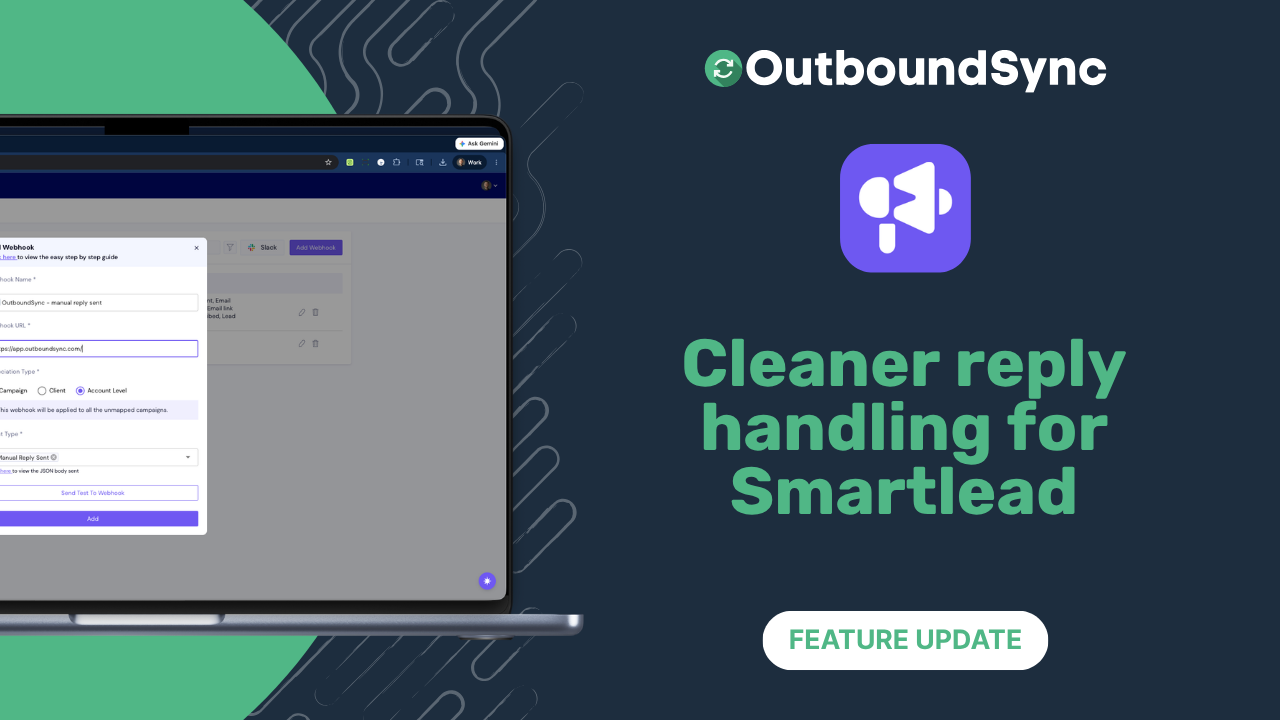
OutboundSync now extracts the newest Smartlead reply when thread history is present and formats HubSpot email and timeline activity with cleaner line breaks.
Harris Kenny
A quick walkthrough with your own stack. Setup takes minutes, with no long-term contract.