









Use Smartlead Manual Step events in your CRM
OutboundSync now supports Smartlead's Manual Step Reached event. When a prospect reaches a manual step in a campaign, OutboundSync writes it to your CRM.
Harris Kenny


Smartlead → Pipedrive
See what Smartlead did before a deal exists. OutboundSync matches the Pipedrive Person by email and pins every Smartlead event to it as a Note.
Smartlead integrates with Pipedrive through OutboundSync. Sends, opens, link clicks, replies, bounces, unsubscribes, and lead category changes from Smartlead are written as Notes pinned to the matching Pipedrive Person. OutboundSync looks the Person up by email address, creates one when there is no match, and can set an owner on new records.
| Status | Beta (Pipedrive is a one-way beta CRM) |
|---|---|
| Channels | |
| Direction | One-way, Smartlead → Pipedrive |
| Pipedrive records | Persons |
| Block lists | Not available for this pairing |
| Smartlead plan | Pro or higher |
| Setup | Guided: marketplace OAuth, then onboarding with the OutboundSync team |
Pipedrive is deal-first, which means cold outreach often happens entirely outside it until someone replies. By then the context is gone. OutboundSync keeps it by pinning each Smartlead event to the Person as a Note from the very first send, so the history is already there when a rep turns the conversation into a deal.
Because Smartlead categorizes replies, those Notes also tell you intent. A Person whose latest Note says interested is a deal waiting to be created; one marked not interested can be filtered out of the next push. Teams build Pipedrive filters on that activity to decide where reps spend their afternoons.
Every event below arrives in near-real time and lands on the matched Pipedrive record. Pick the ones you want per source.
| Event | Channel | Where it lands in Pipedrive |
|---|---|---|
| Email sent— Includes manual replies sent from the Smartlead inbox | Note pinned to the Person | |
| Email opened | Note pinned to the Person | |
| Link clicked | Note pinned to the Person | |
| Reply received | Note pinned to the Person | |
| Email bounced | Note pinned to the Person | |
| Lead unsubscribed | Note pinned to the Person | |
| Lead category updated— Smartlead's built-in and custom lead categories | Note pinned to the Person |
Event names come from the Smartlead webhooks OutboundSync receives. Pipedrive is a one-way beta, so exact event coverage is confirmed during onboarding. See the Smartlead event reference.
Filter Persons whose latest Smartlead category is interested and open deals from that list.
Assign an owner when OutboundSync creates a Person, so a fresh reply never lands unassigned.
Unsubscribe and bounce Notes make it obvious who should stay out of manual follow-up.
The options teams weigh before they commit a production sync.
| Option | What it does | Trade-off |
|---|---|---|
| Zapier, Make, or n8nCompare integration platforms | Catch Smartlead webhooks and write each event to Pipedrive with a workflow you build. | Every event type, retry, and field change is a workflow you maintain, billed per task or step. |
| Custom buildBuild vs buy | Write your own service against the Smartlead and Pipedrive APIs. | You own matching, deduplication, API limits, and every upstream schema change. |
| OutboundSync | Pre-built email activity sync into Pipedrive Persons. | One-way beta with guided onboarding. Lighter configuration than HubSpot or Salesforce today. |
Authorize OutboundSync from the Pipedrive Marketplace with the same email you use in OutboundSync.
Add your Smartlead API key in OutboundSync, then paste the source's webhook URL into Smartlead.
Select Smartlead when you create the Pipedrive source, and confirm how contacts are matched.
Trigger one Smartlead event and confirm it on a real Pipedrive Person.
Launch with the OutboundSync team watching the first production events in Pipedrive.
Pro or higher
OutboundSync requires Smartlead's Pro plan or higher, because it relies on Smartlead's webhook and API features.
Pipedrive is a one-way beta. There is no Pipedrive plan gate on our side; onboarding runs with the OutboundSync team.
Trusted by outbound teams
 Redis
Redis Windsurf
 Gainsight
 Sendoso
 Crescendo
 Tapcheck
Tutorials, case studies, and updates related to Smartlead.
OutboundSync now supports Smartlead's Manual Step Reached event. When a prospect reaches a manual step in a campaign, OutboundSync writes it to your CRM.
Harris Kenny
Smartlead is a high-volume cold email platform built for agencies and outbound teams. See how it syncs sends and replies into your CRM via OutboundSync.
Jason Ma
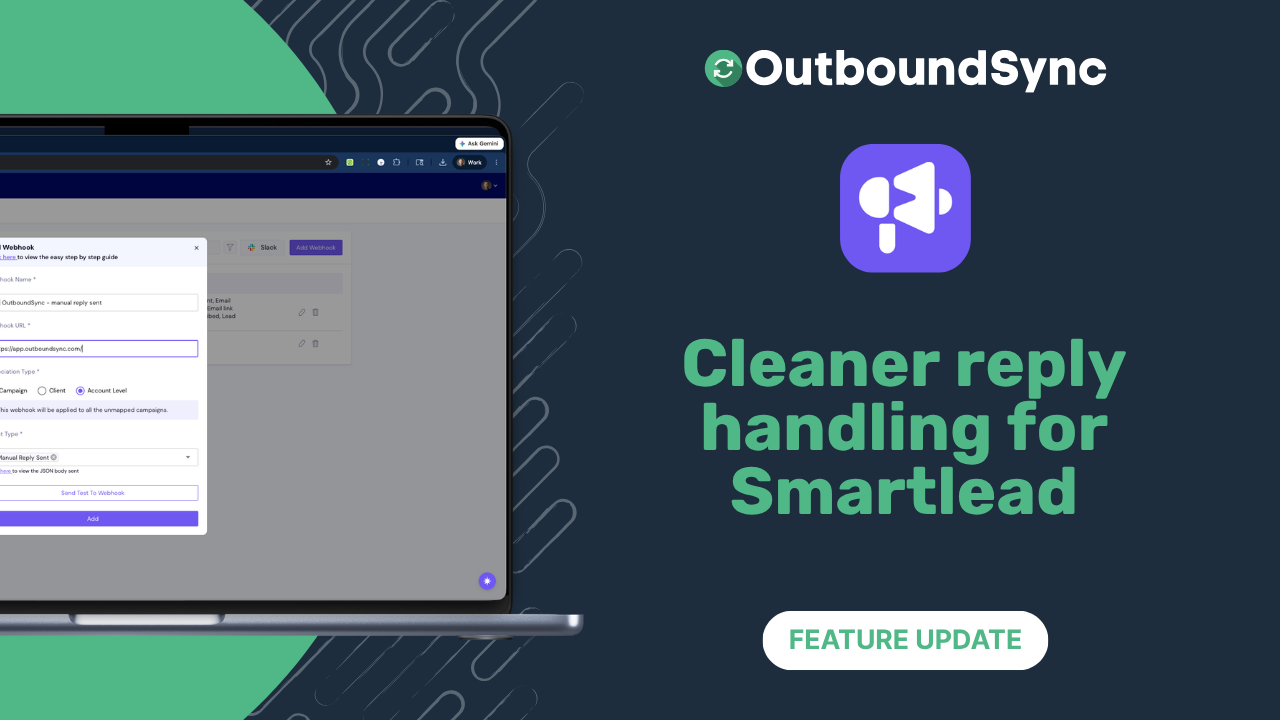
OutboundSync now extracts the newest Smartlead reply when thread history is present and formats HubSpot email and timeline activity with cleaner line breaks.
Harris Kenny
A quick walkthrough with your own stack. Setup takes minutes, with no long-term contract.