Last updated:
Cleaner Smartlead replies in HubSpot
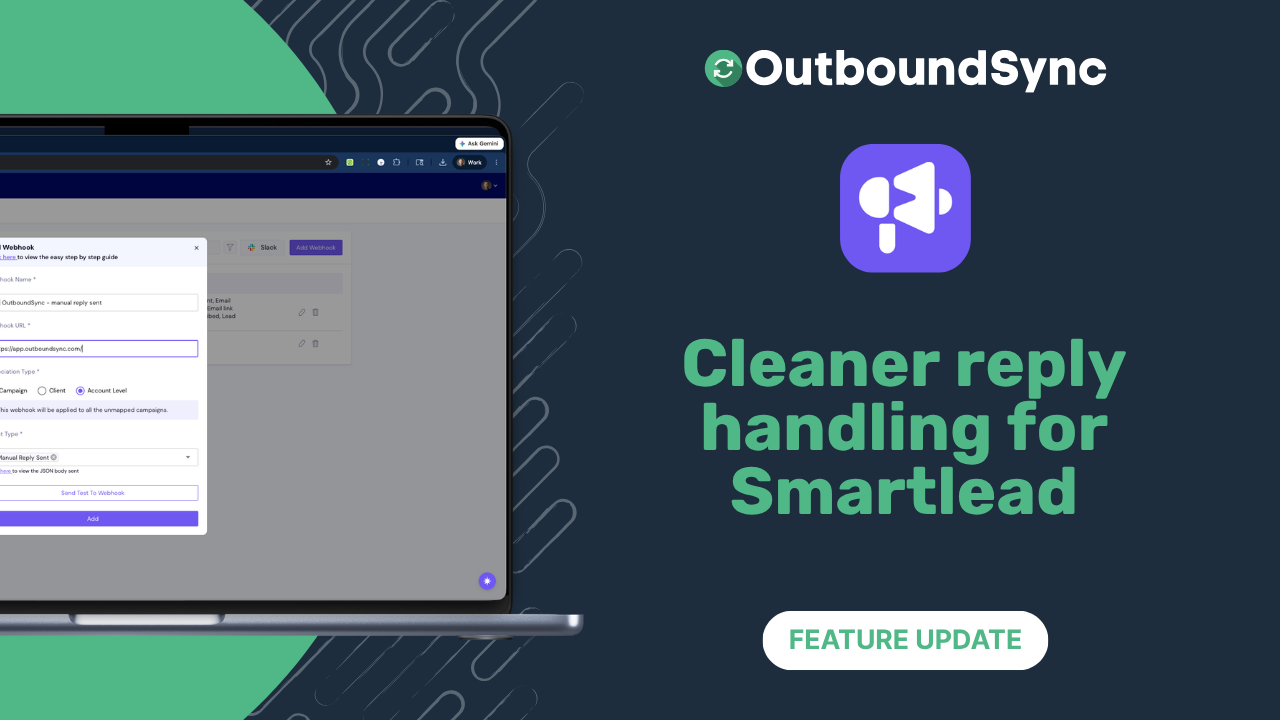
We’ve improved how Smartlead reply data shows up in OutboundSync and HubSpot.
Previously, Smartlead reply fields could sometimes include the full email thread, such as: the newest reply, previous messages, quoted text, forwarded content, and email headers.
This made CRM fields, Slack alerts, workflows, Clay cells, and reports harder to read because the part you actually care about was buried in the thread.
So we’ve shipped two fixes to make this better:
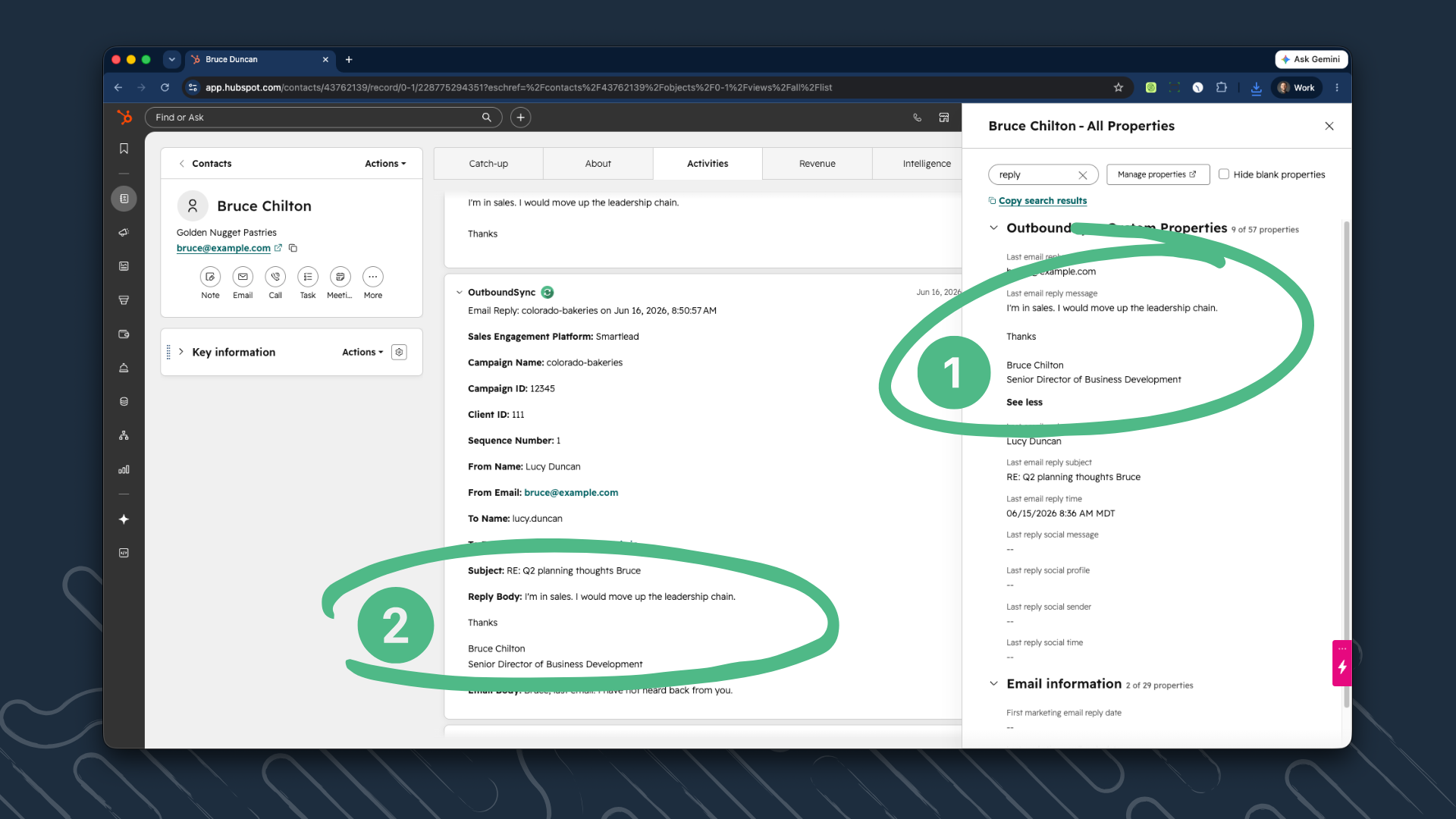
- Now, OutboundSync does a better job of pulling out the newest reply only, when this happens.
- Additionally, for HubSpot users, email and timeline activity formatting now preserves line breaks more cleanly, so replies should look closer to how a person actually wrote them.
We took a conservative approach:
If we can confidently identify quoted thread history, we remove it. If we can’t, we keep the original body so important reply content is not accidentally removed.
There’s nothing you need to change. This update applies automatically to Smartlead email replies synced through OutboundSync.

Founder & President, OutboundSync
15+ years in B2B sales and operations. Former HubSpot Solutions Partner and Smartlead expert. Built the agency that became OutboundSync.
Similar posts
OutboundSync webhooks are live
OutboundSync now POSTs sync.failed and sync.recovered to your HTTPS endpoint — Slack, PagerDuty, n8n, Zapier, Clay — so you know when CRM sync breaks.
Harris Kenny
OutboundSync now supports WebMCP
AI agents can now use the OutboundSync website directly — find integrations, get pricing, and compare tools — via WebMCP and a public JSON API.
Harris Kenny

OutboundSync MCP Server out now
Hosted OutboundSync MCP for Cursor, Claude Code, and more. Same Bearer key as the REST API, with no local MCP process to run.
Harris Kenny