






Partner spotlight: Clay
Clay Sequencer is Clay's native outbound engine. See how OutboundSync syncs its send and reply activity, one-way, into your Salesforce or HubSpot records.
Jason Ma

Clay → Salesforce
Clay can build the perfect Salesforce list. OutboundSync tells Salesforce what happened when that list was emailed: sends, opens, replies, and categories on every Lead or Contact.
Clay's native email sequencer connects to Salesforce through OutboundSync. Sequence sends, manual sends, opens, clicks, replies, reply categories, bounces, and unsubscribes are logged on the matching Lead or Contact as Tasks or EmailMessage records. Events arrive through a Smartlead-style source, because Clay's sequencer is built on Smartlead.
| Status | Live |
|---|---|
| Channels | |
| Direction | One-way, Clay → Salesforce |
| Salesforce records | Leads, or Contacts and Accounts |
| Block lists | Not available for this pairing |
| Clay plan | Any plan with Sequences |
| Setup | Self-serve: create an External Client App, then connect it in OutboundSync |
RevOps teams use Clay to decide who to target and Salesforce to judge whether it worked. The piece in between, the sequence itself, usually never reaches Salesforce. OutboundSync logs each Clay sequencer event as a Salesforce Task or EmailMessage, with campaign details in the subject line you template.
That makes Clay-sourced outbound reportable next to every other channel. Build a report of replies by Clay campaign, trigger a Flow when a reply is categorized as interested, or compare meetings from Clay tables against other sources, all on standard Salesforce objects.
Every event below arrives in near-real time and lands on the matched Salesforce record. Pick the ones you want per source.
| Event | Channel | Where it lands in Salesforce |
|---|---|---|
| Email sent— Sequence sends and manual sends from Clay | Task or EmailMessage on the Lead or Contact | |
| Email opened | Task on the Lead or Contact, plus optional OutboundSync fields | |
| Link clicked | Task on the Lead or Contact, plus optional OutboundSync fields | |
| Reply received | Task or EmailMessage on the Lead or Contact | |
| Email bounced | Task on the Lead or Contact, plus optional OutboundSync fields | |
| Lead unsubscribed | Task on the Lead or Contact, plus optional OutboundSync fields | |
| Lead category updated— Smartlead's built-in and custom lead categories | Task plus optional OutboundSync fields on the Lead or Contact |
Event names come from the Clay webhooks OutboundSync receives. See the Clay event reference.
Group Tasks by Clay campaign to see which tables and sequences produce replies.
Trigger a Salesforce Flow on the reply category so interested Leads reach an owner quickly.
Use OutboundSync's prior-outreach API in a Clay column to skip people who were contacted recently.
The options teams weigh before they commit a production sync.
| Option | What it does | Trade-off |
|---|---|---|
| Clay's native Salesforce connector | Clay can push table rows and enrichment results into Salesforce from inside a Clay table. | It does not log sequencer activity as CRM events, and block lists are not supported in Clay's sequencer. |
| Zapier, Make, or n8nCompare integration platforms | Catch Clay webhooks and write each event to Salesforce with a workflow you build. | Every event type, retry, and field change is a workflow you maintain, billed per task or step. |
| Custom buildBuild vs buy | Write your own service against the Clay and Salesforce APIs. | You own matching, deduplication, API limits, and every upstream schema change. |
| OutboundSync | Pre-built email activity sync into Salesforce Leads and Contacts. | Self-serve setup, searchable event logs, and support from the team that maintains the connector. |
A Salesforce admin creates an External Client App, then connects it in OutboundSync and picks Task or EmailMessage logging.
Create a Smartlead-style source in OutboundSync and paste its URL into the webhook field on your Clay sequence.
Pick which Clay events to log, whether they write Tasks or EmailMessage records, and which OutboundSync fields to fill.
Trigger one Clay event and confirm it on a real Lead or Contact.
Turn on the source and start building Salesforce reports, dashboards, and Flows on real Clay data.
Any plan with Sequences
OutboundSync works with every Clay plan, because it connects to Clay's native sequencer rather than a plan-gated feature.
OutboundSync works across Salesforce editions. The difference is API capacity: plan for roughly 6 API calls per sent email once replies and status events are counted.
| Edition | Fit | What to know |
|---|---|---|
| Professional | Limited support - API limits may restrict ongoing sync. |
|
| EnterpriseMost common | Recommended - Best balance of capability, API capacity, and cost. |
|
| Unlimited | Ideal - Best for scale and high activity volume. |
|
Millions of activities synced every month
 EliseAI
 Yotpo
Yotpo Ona
Ona HG Insights
 Finout
 Hologram
Tutorials, case studies, and updates related to Clay.
Clay Sequencer is Clay's native outbound engine. See how OutboundSync syncs its send and reply activity, one-way, into your Salesforce or HubSpot records.
Jason Ma
See how OutboundSync supports Clay's new native email sequencer, enabling integrated outbound campaign management with HubSpot and Salesforce.
Harris Kenny
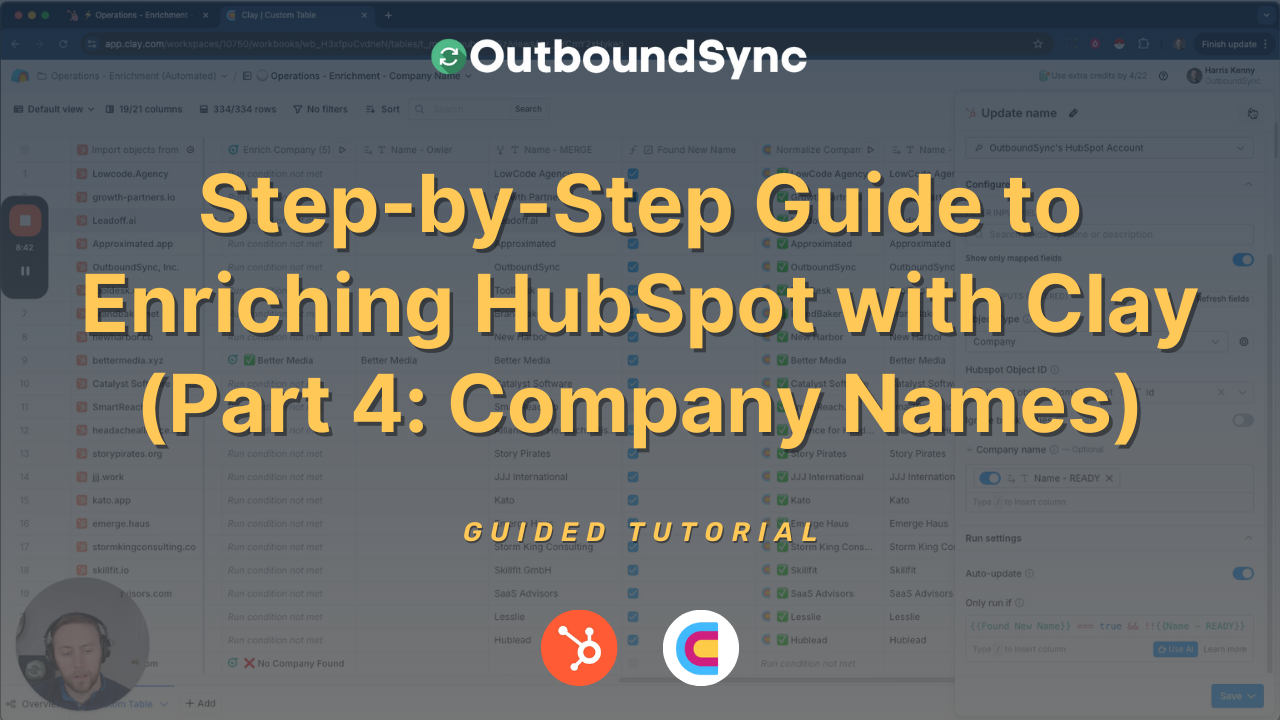
Learn how to enrich HubSpot company names using Clay, ensuring clean, consistent records with a cost-effective provider waterfall.
Harris Kenny
A quick walkthrough with your own stack. Setup takes minutes, with no long-term contract.