Last updated:
Using OutboundSync public health endpoints
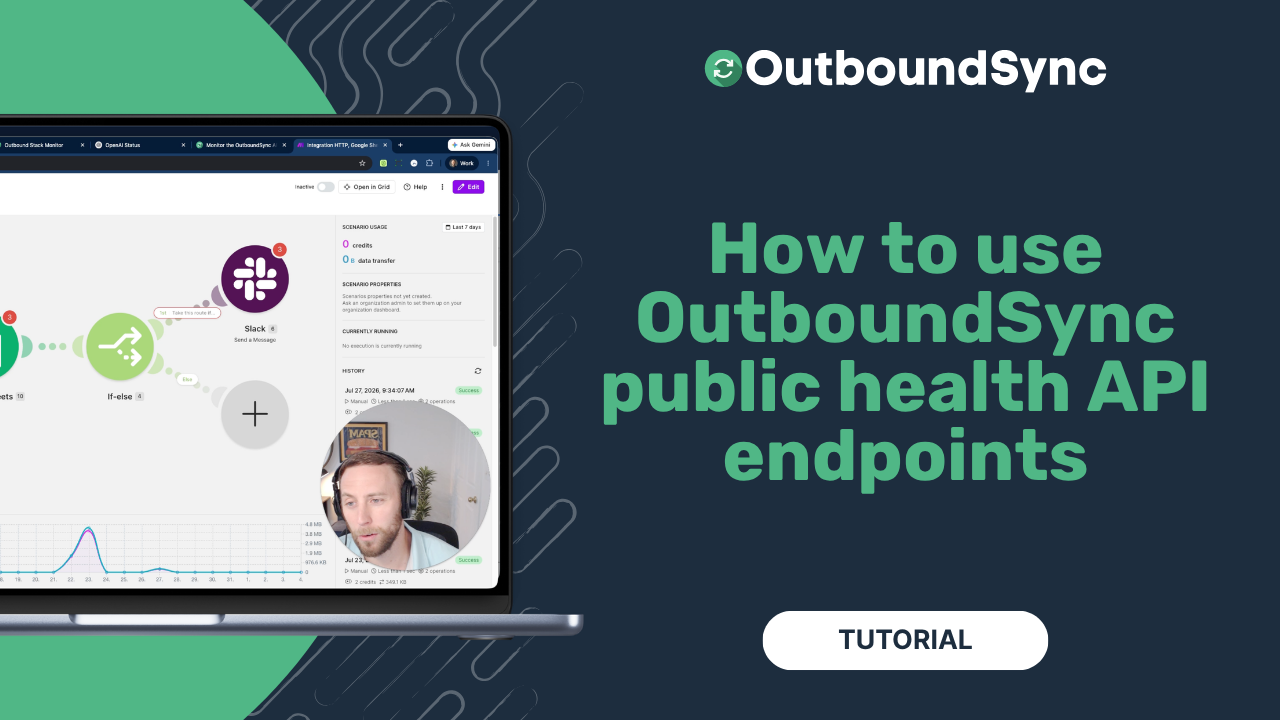
TL;DR. OutboundSync exposes two public platform health endpoints — /health/live and /health/ready — and neither needs an API key. Watch the walkthrough below, then build a monitor with Jason’s Make tutorial or read the platform health docs.
If you already watch sequencers, enrichment tools, and your CRM, you should be able to watch OutboundSync the same way: one HTTP call in an uptime tool, a Make scenario, or whatever you already run. The OutboundSync API also covers account-level readiness. These health endpoints answer a different question — is the platform up and able to process events right now?
Live vs ready
Both endpoints live at https://app.outboundsync.com. Full contract: Platform health endpoints.
GET /health/live answers one thing: is the OutboundSync process up and serving requests? When it is, you get short JSON with status: "operational". No key, no cookies — just a URL.
GET /health/ready goes deeper. You get an overall rollup (operational, partial_outage, or major_outage) plus per-component checks: inbound sources, CRM activity sync, event forwarding, block-list sync, and reply relays. Use this when you care which slice of the pipeline is unhappy, not only whether the app process answered.
For a human-readable view and incident history, use the OutboundSync status page. The health endpoints are the programmatic counterpart — what you wire into your monitors — not a replacement for that page.
Build a simple monitor
You do not have to invent the workflow. Jason Ma on our team wrote a practical walkthrough: How I Built an OutboundSync API Monitor in Make. The pattern is small on purpose:
- On a schedule,
GETthe live endpoint. - Log the result to Google Sheets.
- If the check is not operational, post to Slack. If it is, stay quiet.
That is enough when you want OutboundSync in the same alert channel as everything else you run. The same shape — poll, log, alert — works in other automation tools too. Start with live; move to ready when you want the component breakdown.
Platform health vs account preflight
Platform health is public and platform-wide. It does not know your HubSpot connection, your Instantly webhook, or whether your campaign is sendable.
Account readiness is the other half. With a read-only API key, the v1 introspection endpoints — and the pre-flight campaign check walkthrough — ask whether your outbound-to-CRM path is wired before you enroll anyone. For the broader API surface, see The OutboundSync API is now in public beta.
Use health endpoints when you care that OutboundSync itself is available. Use preflight when you care that your account will sync the campaign you are about to launch.
Watch the walkthrough
Transcript
0:00 We recently introduced the OutboundSync public API endpoints, or health endpoints. And in this video, I’m going to show you a very practical workflow that you can build to monitor our platform.
0:12 So, this is going to be really useful for more technical teams that are wanting to have a more integrated infrastructure.
0:20 And, you know, we want OutboundSync to be observable for you as you’re building. You’re building and shipping campaigns and monitoring your tech stack.
0:28 Because people are using more and more tools every day, and we want to be very transparent as you’re getting data from your outbound tools, your sequencers, like your Smartlead, Instantly, EmailBison, HeyReach, and 16 other tools, and more every day.
0:44 You’re running those campaigns, you’re trying to get that data into your CRM. We want to make it really easy to do that.
0:51 So let me just show you how this works, and I gotta give a thank you to Jason. Jason’s interning with us this summer, and he put together a really practical guide on our blog.
1:02 I’ll show you how that works in a moment, and I’ll show you an actual workflow automation with Make, just for reference, using Make.com, and you can do something very similar with other tools like that.
1:12 So here we are. This is Outbound Sync’s documentation page, and we’re specifically on the platform health endpoints page. Now there are two major endpoints.
1:25 The live endpoint is Outbound Sync up or down, and then the readiness endpoint, or health slash ready. Now live is a really simple one.
1:35 Is Outbound Sync up or down? This refers to our just core overall platform. Is the application loading or not? And you’re going to get a really simple status back, operational or not.
1:45 But the readiness platform, uh, readiness endpoint, excuse me, is a little more detailed. So this is going to break down the core components of the platform and then give you both an overall status and then a drilled down status with options.
2:00 Uh, based on the major components of the platform. So our activity syncing or not, our payloads forwarding or not, which is a feature that we have, our block lists, uh, syncing or not.
2:12 And then our replies being relayed, which is actually a new feature we haven’t announced at the time you’re going to see this video, but it’s coming soon.
2:23 It’s a really, really simple API. Endpoint, it’s designed to give you visibility into if the platform is fully operational, has a partial outage, or has a major outage that’s affecting things.
2:34 Now we maintain a status page as well. And this endpoint, these endpoints are going to feed that status page. This is hosted through StatusGator, it’s at outboundsyncstatus.
2:46 com. So maintain a status aggregator for the outbound tech stack, which is a hundred and twenty different tools I think we’ve got in here.
2:57 Right now, Bright Data has performance degradation and OpenAI is having some issues affecting, let’s see, conversation errors affecting that, it looks like they’re paid plans and they’ve got a migration in progress, right?
3:11 So, this is all, Well, we wanted you to be able to see what’s going on across your entire tech stack, right?
3:17 Obviously, our focus is our platform, our platform reliability and making sure everything’s working. So, how would you do this? Let’s jump over the Outbound Sync blog, I’m going to include a link to this, you can work through this on your own, again, shout out to Jason on our team who worked through
3:34 this, But, you can, read through this, see what he considered, how he built it, built it yourself, and consider some additional things.
3:42 This is a very simple monitor. Hit the Outbound Sync live endpoint. This is a scheduled workflow, so it’ll run on a recurring basis.
3:51 Log the findings of that API call into a Google Sheet for record, for storage. If there’s an issue that’s not operational, you can send a Slack message.
4:01 If everything’s good, keep it rolling. So this is something that basically you could run on a recurring basis if you want to just make sure that the Outbound, if you want to monitor the Outbound Sync platform and make sure that it’s performing as intended.
4:12 Now, this is a very specific use case that not everybody’s going to need to do this. Our job is to keep it up all the time, right?
4:22 Keep the platform running all the time, and that’s what we’re trying to do. I’ve made another video and I posted about this on the blog as well, and let me pull it up here.
4:34 Running this pre-flight campaign check, I think this is going to be a little bit more commonly used. This is where you can check that connection before you enroll in a campaign, and it’ll go a little bit deeper.
4:45 This is going to use our full version one of the API that includes private keys. This will allow you to check the details of all of your connections, make sure the account is fully configured and wired up, uhm, but overall platform uptime is also a thing, and we provide that broad look of whether it’s
5:02 live or not, and then we provide that more detailed readiness check, which provides a specific status for each of the major components of the platform.
5:10 So, I just want to take a few minutes here to explain and show you how it works, give you an example of a blog post where you can follow along and maybe build something of this on your own.
5:18 If you’re new to this kind of work, this go-to-market engineering or GTM engineering work, and you want to try it out, play around, build something simple, this would be a great place to start.
5:29 And lastly, I’ll just note, these platform health endpoints are totally publicly available. They do not reply to any API key to check them whatsoever.
5:39 So, you don’t even have to be a customer to play around and, uh, see how it works and see how we think about performance, uptime, reliability, and, uh, you know, if you couldn’t already tell, it’s something we think about a lot around here, and, uh, appreciate your interest in seeing how, how we work
5:54 . If you have any questions, check us out, go to outboundsync.com, go to the blog and see how Jason’s tutorial works, and, uh, catch you in the next one.
6:01 Thanks for listening.
Get started
- Platform health endpoints — live and ready, no API key
- API overview · v1 reference
- How I Built an OutboundSync API Monitor in Make
- Pre-flight campaign check with the OutboundSync API
- OutboundSync API public beta
- Status page
Want to see it against your own CRM data? Book a demo.

Founder & President, OutboundSync
15+ years in B2B sales and operations. Former HubSpot Solutions Partner and Smartlead expert. Built the agency that became OutboundSync.
Similar posts
Running outbound with Supabase monitoring your TAM
Companies keep customers in the CRM and the rest of the TAM in a database. How OutboundSync forwarding, API, webhooks, and MCP sit next to Supabase.
Harris Kenny
Build vs buy: getting outbound data into your CRM
Should you build your outbound-to-CRM sync with Zapier, Make, or n8n, or buy it? Use OutboundSync's three calculators to run the build-vs-buy math.
Harris Kenny
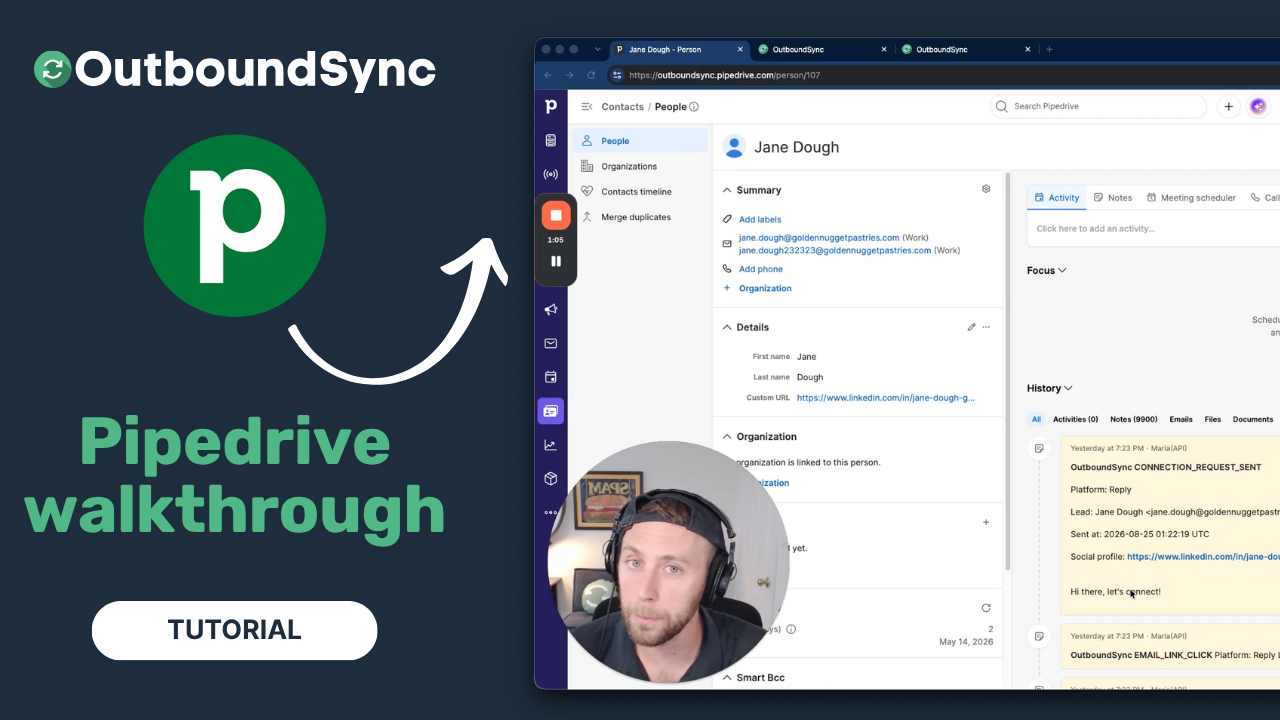
Pipedrive integration walkthrough
Watch a full walkthrough of the OutboundSync Pipedrive integration — connect via the Marketplace, configure your sync, and log outbound activity as Notes.
Harris Kenny