Last updated:
Build vs buy: getting outbound data into your CRM
There’s a specific question I get a lot: should you build your own outbound-to-CRM sync with a low-code tool like Zapier, Make, or n8n — or buy a managed one? To help you answer it, I built three calculators that do the math. In this video I walk through how they work.
Prefer reading to watching? Jump to the full transcript.
The build-vs-buy question
You can get outbound data from Smartlead, Instantly, or any email sequencer into HubSpot, Salesforce, or another CRM two ways: wire it up yourself in a low-code tool, or use a managed integration like OutboundSync. Neither is automatically right. The answer depends on your sending volume, the channels you run, and how much of the plumbing you want to own.
Three calculators to run the math
Each of the Zapier, Make, and n8n alternatives pages has a calculator built for this decision. You give it three things:
- Channels — email, social, or both.
- CRM — Salesforce, HubSpot, Attio, Close, HighLevel, or Pipedrive.
- Volume — type a number or drag the slider.
It then compares a do-it-yourself build against OutboundSync for your inputs.
Why the math differs by platform
Each platform prices automation differently, so the calculators run different math. Zapier bills per task, Make per operation, and n8n per execution — and every event counts. That’s the crux of build vs buy: low-code tools charge for each event they handle, so your bill climbs as opens, clicks, and replies pile up. OutboundSync bills on messages sent, so those events are included.
n8n has its own wrinkle. You can pay for the hosted version or self-host the open-source edition. Self-hosting drops the per-execution fee, but then you own the hosting, database, queue workers, upgrades, monitoring, and on-call time.
The rate assumptions in each calculator are editable estimates, not fixed quotes. Adjust them to match what you actually pay.
What low-code can’t do
The calculators also flag the work that isn’t a line item until you hit it. Syncing a CRM suppression or block list back to your sequencer usually needs a second scheduled scenario. Backfilling activity that arrived before a record existed needs somewhere to hold state. And a managed API, webhooks, and an MCP layer aren’t something you rebuild in an afternoon. Each calculator lists these per CRM, so you see them before you commit.
The biggest difference: OutboundSync does it for you
Here’s the honest version. If your volume is low — you just want a handful of replies in your CRM each month — or you’d rather build in-house, a low-code setup can be the right call. I built the first version of OutboundSync on Make and Zapier myself, so I get the appeal. I also hit the walls.
If you’d rather have it done for you, that’s what OutboundSync is. We’re SOC 2 Type II, with dedicated engineering and support behind the sync. And there’s a lot in the middle you can’t assemble from low-code parts: a powerful API, webhooks, an MCP server, agent skills, a CLI, and a managed datastore that keeps your outbound history.
Transcript
[00:00:00] Harris Kenny: Hey there, my name is Harris Kenny. I’m the founder of OutboundSync, and I want to help you answer a very specific question today.
[00:00:07] If you’ve ever wanted to get your outbound data from Smartlead or Instantly or any other email sequencer into HubSpot and Salesforce and other CRMs, you might be wondering: should I build this myself? Should I use Zapier? What about Make or n8n?
[00:00:23] Well, I’ve got three calculators I want to introduce to you that will help you do the math. You can compare whether you should build this yourself or just use OutboundSync. I’m going to move myself out of the way and show you how they work.
[00:00:37] I’m here on outboundsync.com. We’ve got three alternatives pages: one for Zapier, one for Make, and one for n8n. For each platform, we’ve got this helpful little calculator where you select what channels you’re doing your outbound on — email, social, or both — which CRM you want to sync it to (today we have Salesforce, HubSpot, Attio, Close, and Pipedrive), and how much you’re sending. You can enter it yourself, or use the slider.
[00:01:05] Now, the key is that you want to configure that data sync. There are a lot of different decisions to make when you’re building an automation like this. We’ve given you really helpful toggles and inputs, and you can build this to your heart’s content.
[00:01:22] We’ve even got additional information about whether additional scenarios are required, rate assumptions, and the special things that OutboundSync does that you simply can’t build with low-code. All of it, right on our site.
[00:01:37] We’ll be updating it regularly, and you’ll see there’s different math for each platform. As you select different platforms, you’ll see the activity between them vary, because the way they integrate is different. Here we’ve got Make. Make has a different number of operations than Zapier does. And for n8n, just to note: we’re talking about buying n8n’s hosted version versus self-hosting an open-source instance of n8n.
[00:02:09] So I hope this is helpful as you’re considering low-code options and ways to get outbound data into your CRM.
[00:02:13] The biggest difference is that OutboundSync does it for you. Not only have we built all of this out, not only do we have SOC 2 Type II, not only do we provide support and have dedicated engineering solving these problems — we also make all sorts of things available in the CRM and in the middle that you simply can’t do with low-code tools.
[00:02:33] Now, your volume might be low enough that it just doesn’t make a difference, and you just want to get a handful of replies in your CRM every month. Or you might prefer to build things in-house. In those cases, I totally get it. But if you want it done for you — a powerful API in the middle, webhooks, an MCP server, a CLI, skills, an extensive database stored for you — there are lots of things in the middle that OutboundSync solves for.
[00:02:59] Check us out. Thanks for watching, and I’ll see you in the next one.
Get started
Run the numbers for your setup on the Zapier, Make, or n8n calculator, weigh the build-it-yourself tradeoffs, or book a demo and we’ll walk through it together.

Founder & President, OutboundSync
15+ years in B2B sales and operations. Former HubSpot Solutions Partner and Smartlead expert. Built the agency that became OutboundSync.
Similar posts
Running outbound with Supabase monitoring your TAM
Companies keep customers in the CRM and the rest of the TAM in a database. How OutboundSync forwarding, API, webhooks, and MCP sit next to Supabase.
Harris Kenny
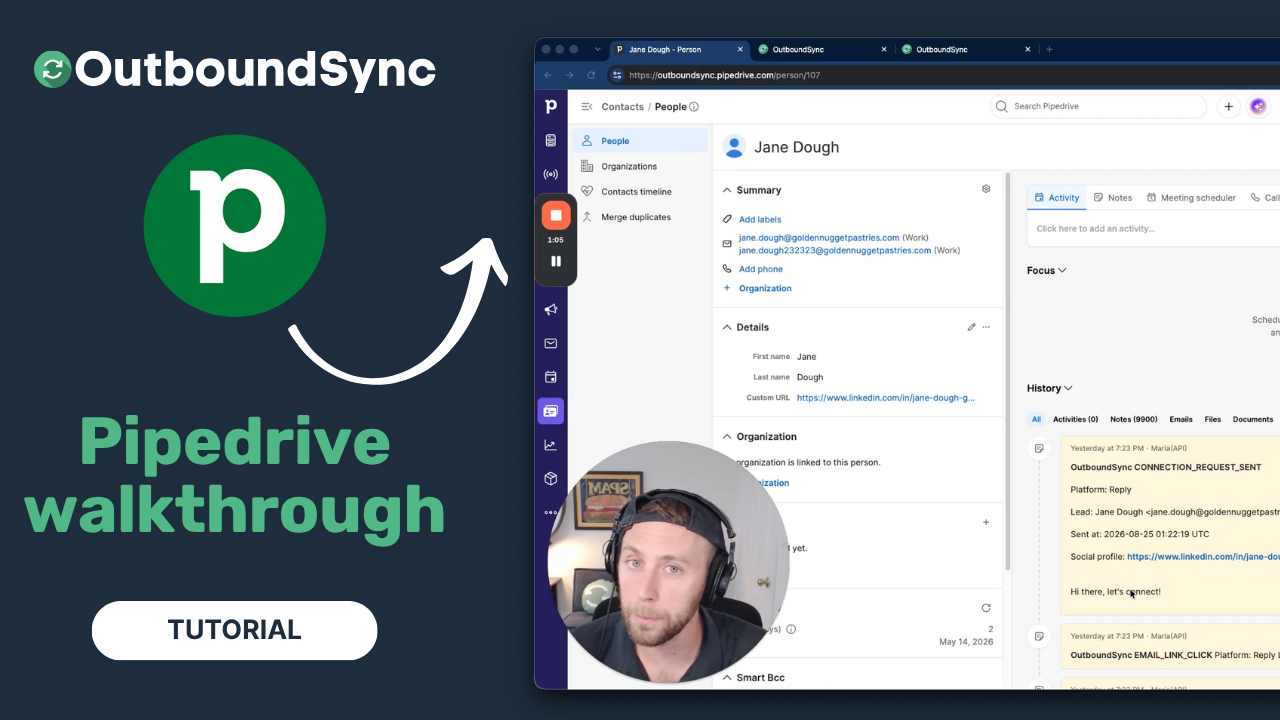
Pipedrive integration walkthrough
Watch a full walkthrough of the OutboundSync Pipedrive integration — connect via the Marketplace, configure your sync, and log outbound activity as Notes.
Harris Kenny
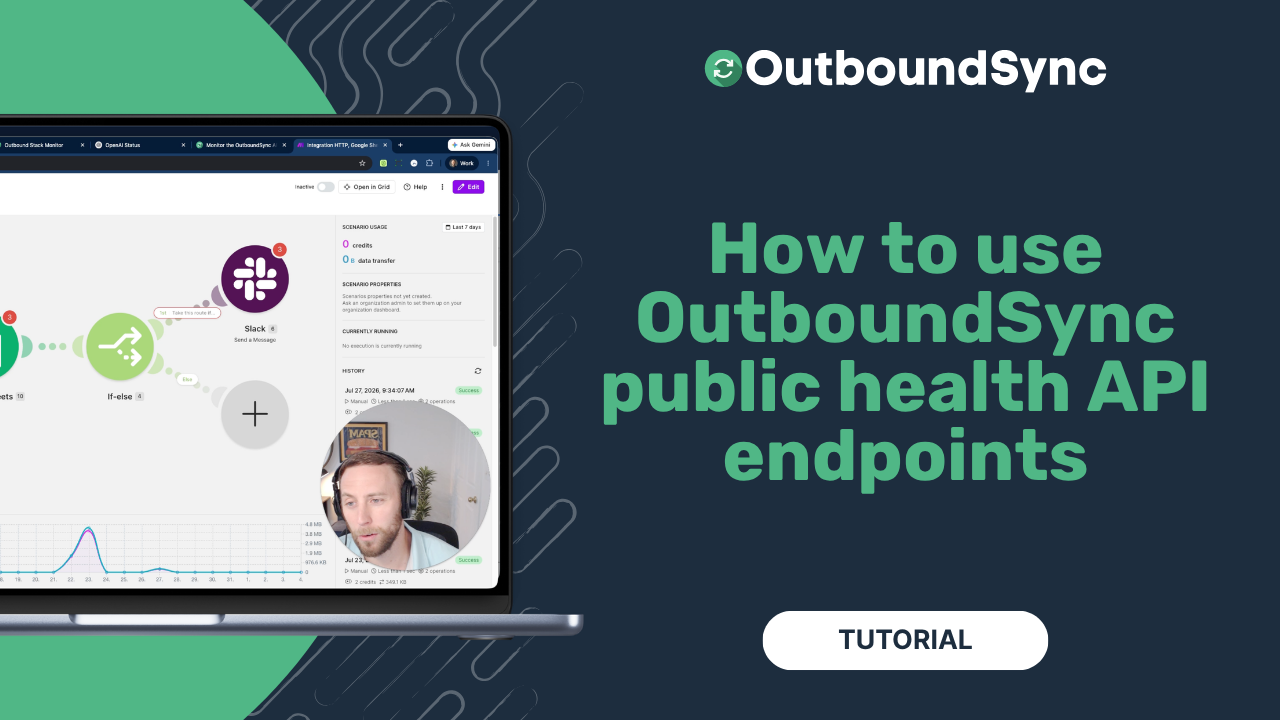
Using OutboundSync public health endpoints
OutboundSync public health endpoints: live vs ready, no API key. Watch the walkthrough and follow the Make tutorial to monitor outbound CRM sync.
Harris Kenny