
Clay HubSpot Integration
Connect Clay's sequencer to HubSpot in minutes—without custom building other Clay tables, Zapier, Make, or n8n.
Learn how to integrate Clay and HubSpot, why most methods fall short, and how OutboundSync gives revenue teams full control.


Integrated campaigns close more deals
Track revenue
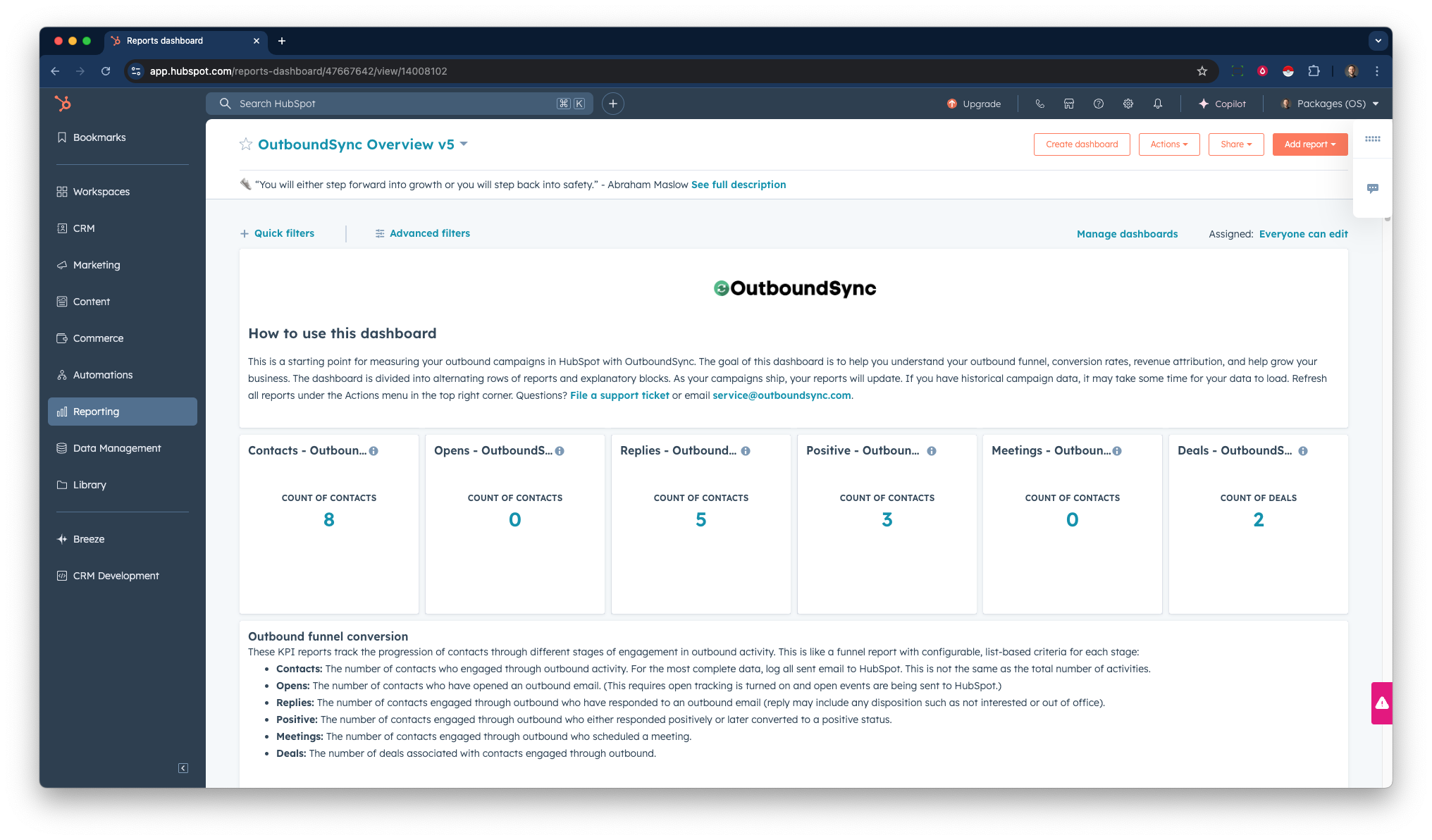
Attribute revenue based on your deals. Use lists and reports to understand where outbound is working (or not).
Sync activities
Log your outbound email activity, including sent, replies, opens, clicks, unsubscribes, bounces, and reply categories.
Go omnichannel
Use automation to tap multiple channels, like phones. Use the best tool for each job and grow your pipeline.
Block sending
Use other Clay tables as a suppression or block list, referencing them before starting your campaigns.
Can I use an existing tool?
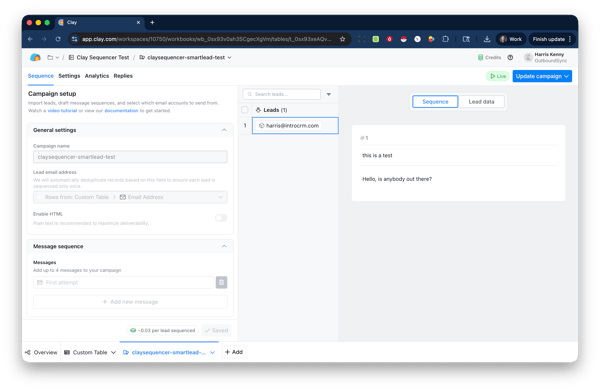
Clay's native integration is limited in that does not log actual campaign activities to HubSpot. You could build custom HTTP API calls in Clay which would require a custom app and additional work.
On the other hand, OutboundSync can be configured in minutes and supports deep activity-based syncing. Clay is valuable is for mapping properties/fields.
Make, Zapier, and n8n are capable, they take time to build, are difficult to maintain, are costly to scale, and requite custom apps and code for the robust features that OutboundSync provides.
Where OutboundSync excels
OutboundSync excels in syncing and relating near-real-time events data.
- Sent outbound emails for attribution
- Replies to your campaigns for sales rep visibility
- Activity metadata like campaign details
- Lead status/disposition updates
And we're here to help. Our customer success team has helped hundreds of companies sync tens of millions of records.
Note: Block list syncing is not supported in Clay's Sequencer at this time but Clay tables can be used to approximate an exclusion list.

Millions of activities synced every month
Get started in minutes
- Connect HubSpot: Install via the HubSpot App Marketplace in seconds.
- Connect Clay: Add your API key and create/configure your webhook receiver.
- Create a webhook: Configure the data you want to sent from Clay to HubSpot.
- Add your exclusion lists: Build a list in HubSpot and configure it as a block list, sync to Clay as a table.
- Go live: Start sending your new outbound campaigns and using your data in HubSpot.

Preview the setup guide
You get a custom onboarding plan and help from our team. Can't wait? See every step required to install OutboundSync as a HubSpot App in right now.
Converted leads attributed by OutboundSync users
Need clarification?
What data does OutboundSync write to HubSpot?
Email sends, replies, opens, link clicks, bounces, and lead status updates from Clay. Each event is logged to Contact’s activity timeline, custom contact properties (optional), and associated the Company's timeline (optional).
Which HubSpot objects can it update?
OutboundSync can creates/update new Contacts and Companies (optional). Events are stored as Activities and as Timeline Events. No Leads or Deals are touched unless you build a HubSpot workflow.
Do I need admin rights to set it up?
Only once. A HubSpot Super Admin authorizes OAuth by installing our HubSpot App.
How is this HeyReach HubSpot integration priced?
Tiers scale with total outbound emails per month. Full details are on the Pricing page.