Last updated:
Newly supported HubSpot custom contact properties
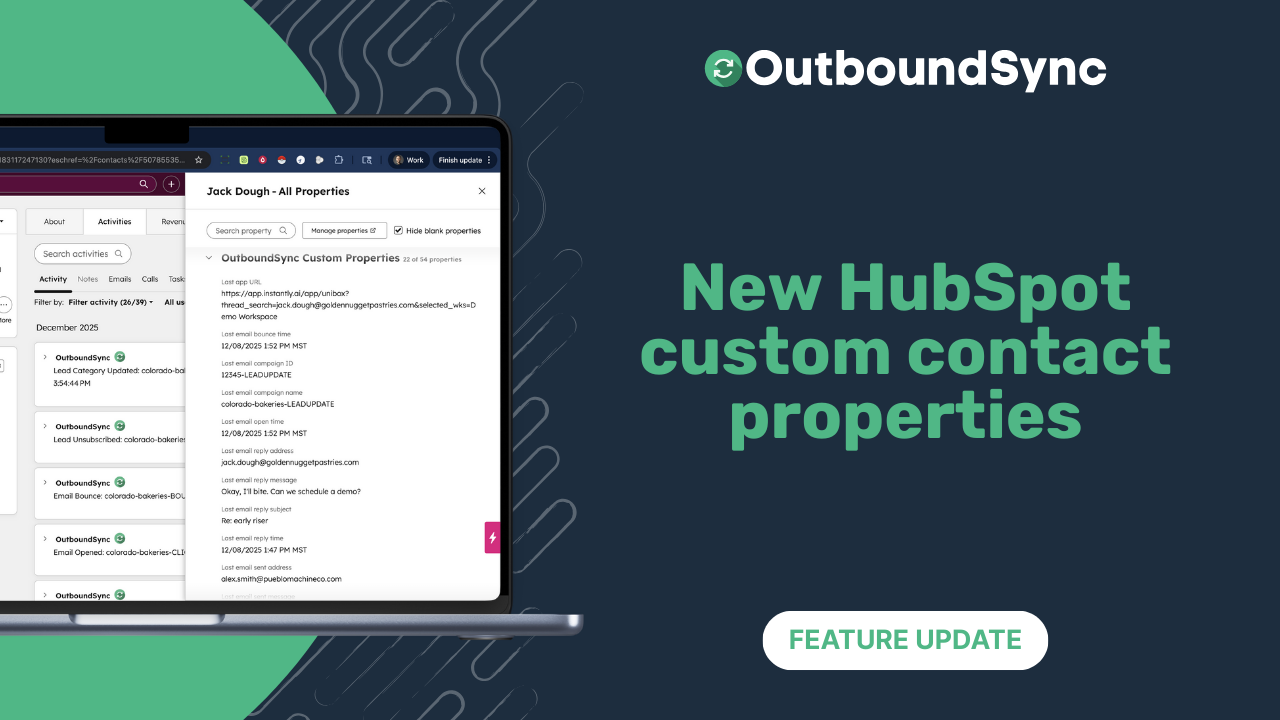
We are excited to announce new custom contact properties for HubSpot users that are great for seeing channel-specific performance and building omnichannel workflows.
And now, OutboundSync only creates the properties required for the channel you’re integrating. For example, if you’re only using email, we will only create email properties.
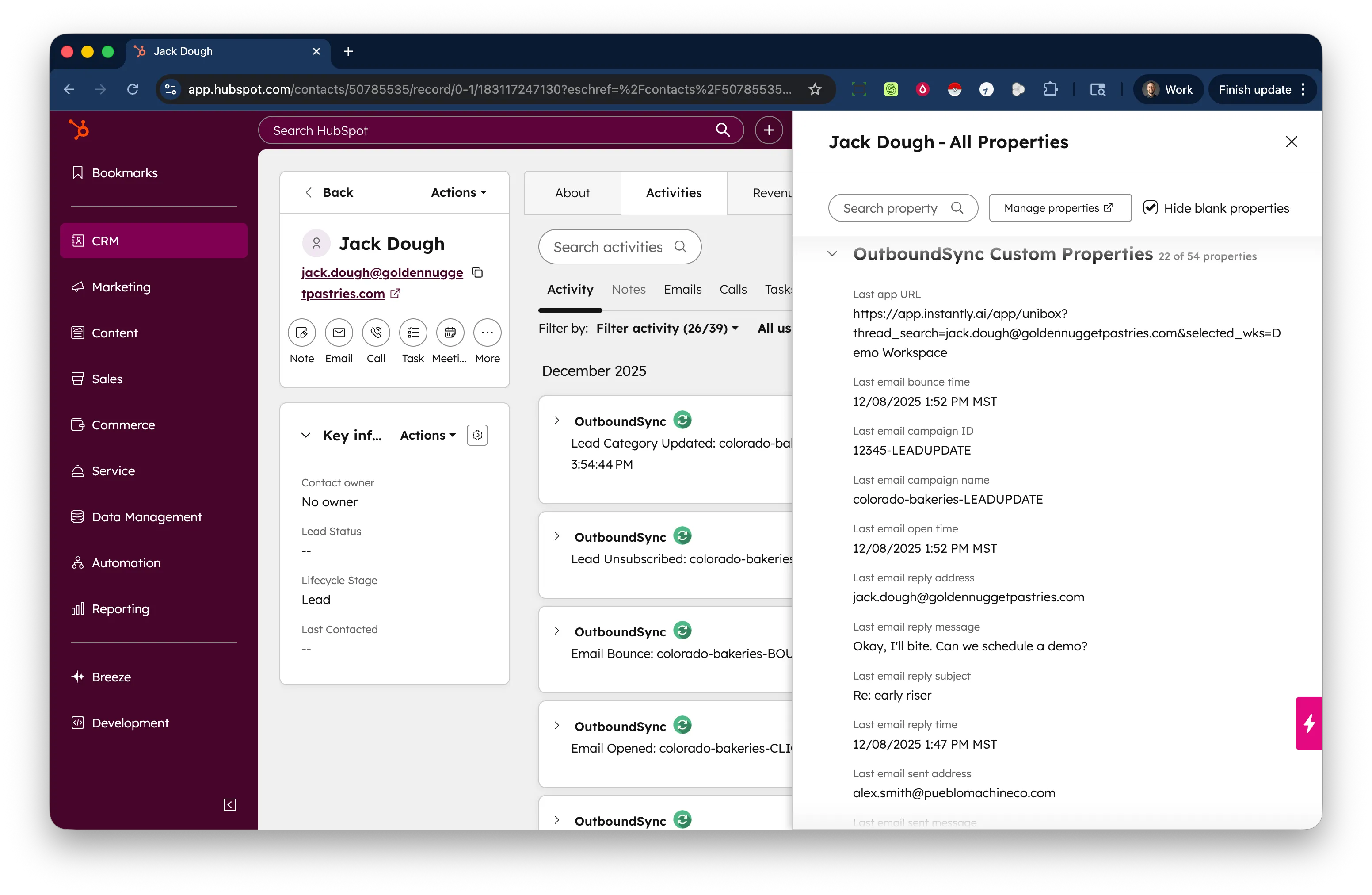
Going omnichannel with our new HeyReach integration was a major driver behind introducing these. The properties can be broken into two main groups.
Channel-specific campaign and category information
-
Last email campaign ID/name
-
Last email lead category ID/name
-
Last social campaign ID/name
-
Last social lead category ID/name
These properties will be useful for breaking out performance by channel when a contact does not convert on one outbound channel, but does convert on another.
We still support the single, rollup properties currently in your account which will still be useful for last touch attribution.
Contact-specific email data rollup
-
Number of opens
-
Number of link clicks
-
Last sequence step
Teams can trigger specific actions for their sales reps or enrollment in other campaigns based on the number of email opens, number of link clicks, or the last sequence step.
These are useful for teams using Smartlead, Instantly, and EmailBison.
Available right now
These new properties are available right now if you have Custom contact properties enabled on the webhook receiver that connects to your CRM.
If not, you can enable them this way:
-
Make sure Custom contact properties are checked/enabled.
-
Click Update webhook receiver and HubSpot properties.
-
Verify that they were created in your HubSpot account.
Curious to see how it works? Get a demo with the OutboundSync team today.

Founder & President, OutboundSync
15+ years in B2B sales and operations. Former HubSpot Solutions Partner and Smartlead expert. Built the agency that became OutboundSync.
Similar posts
Salesforge integration now available
OutboundSync now supports one-way sync of Salesforge email and social activity into HubSpot and Salesforce CRM.
Harris Kenny
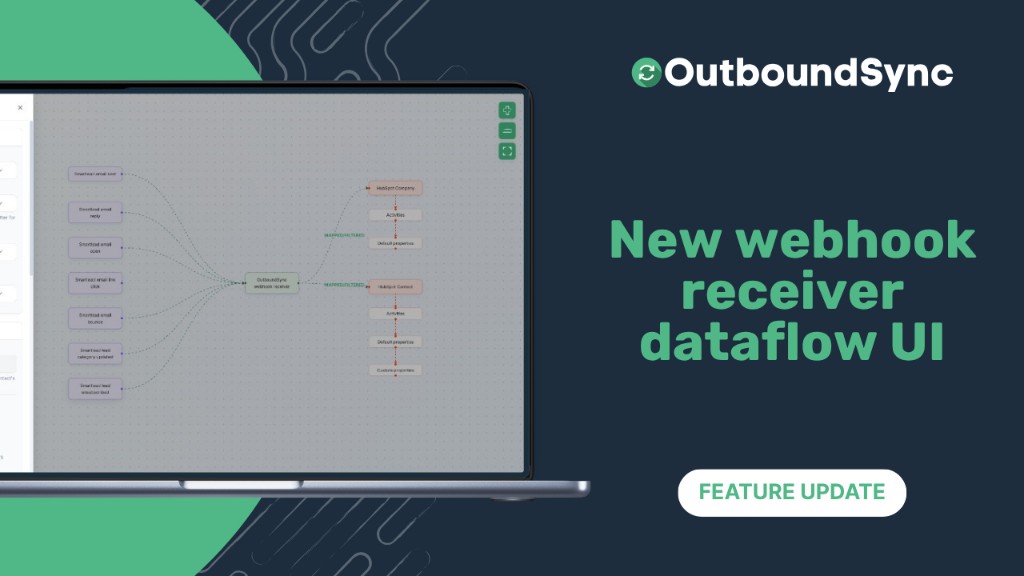
New webhook receiver dataflow UI
Visual webhook setup in OutboundSync: see sales events flow to HubSpot or Salesforce, configure in one tray, and preview sample payloads.
Harris Kenny
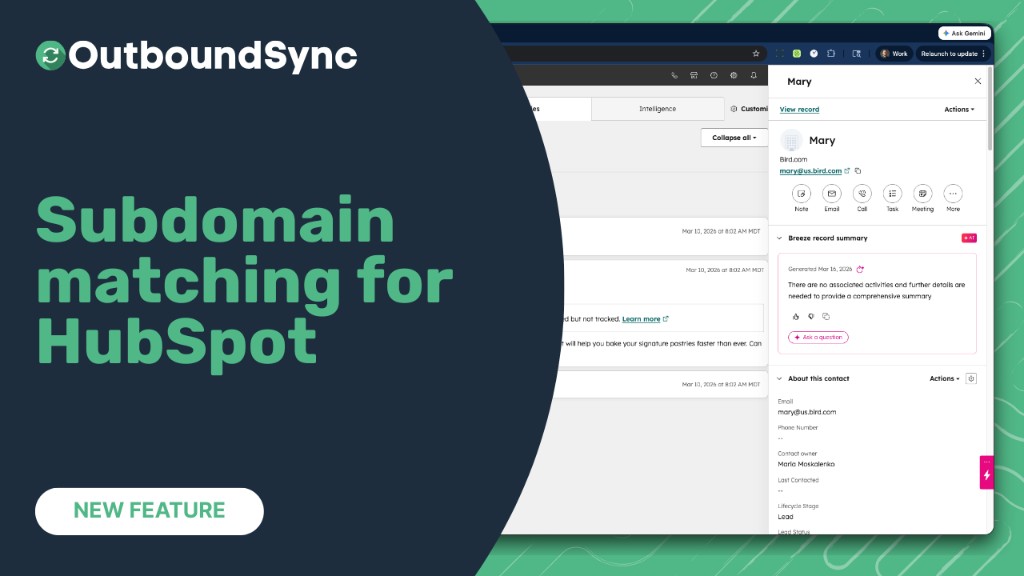
Company matching now handles subdomains
OutboundSync now matches contacts with subdomain email domains (e.g. us.example.com) to the correct HubSpot company by considering the root domain (e.g. example.com).
Harris Kenny