Last updated:
Custom task types are available
In case you missed it, we’ve added the ability to choose the task type when logging outbound activities as tasks in Salesforce, along with improved defaults.
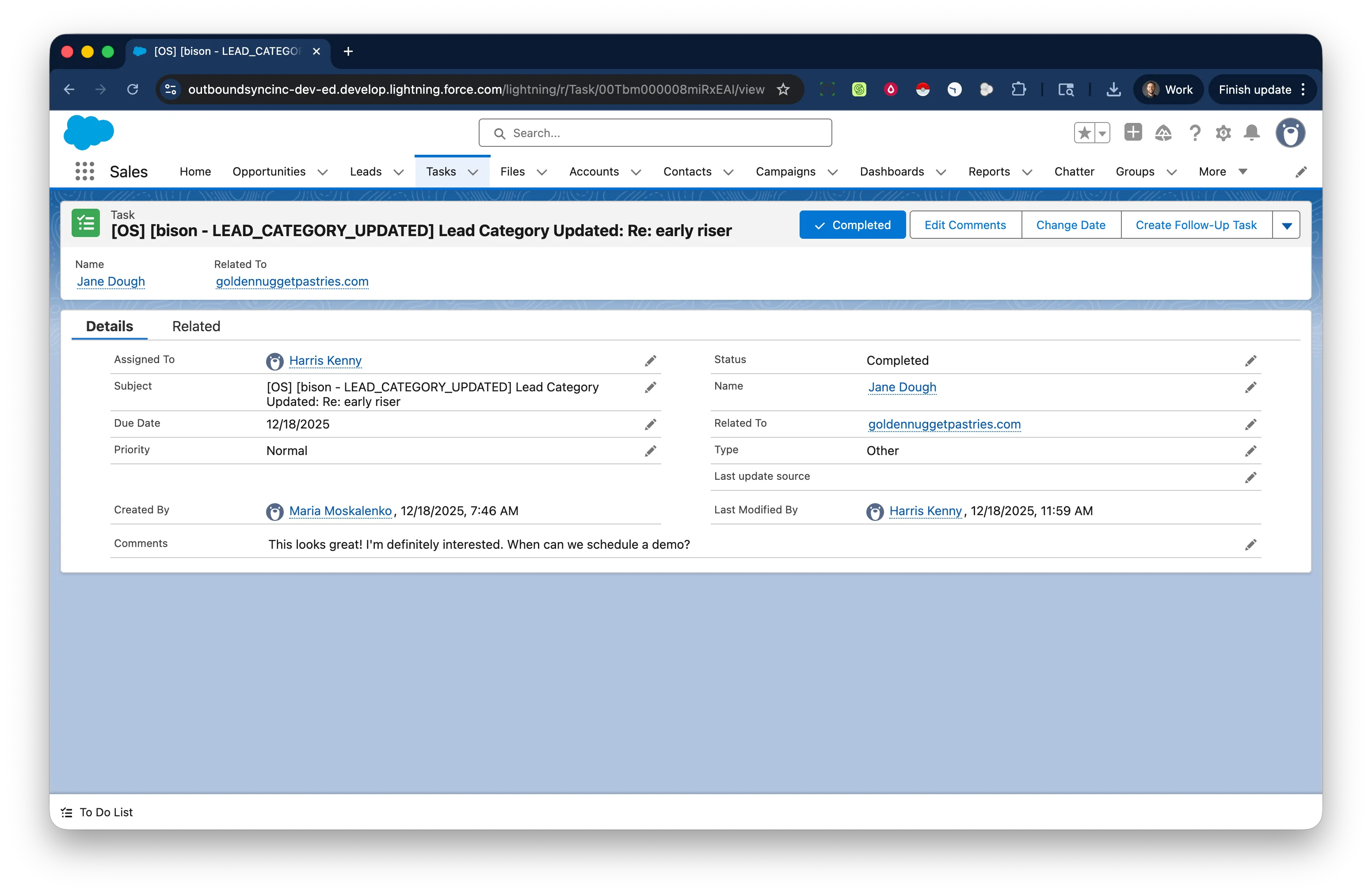
When you log activities from OutboundSync, you can choose to log those activities using either Email activities or Task activities.
When logging as tasks, OutboundSync includes:
-
Setting tasks as complete by default
-
Using the webhook event date as the due date
-
Relating tasks to the Account (for Account/Contact writes)
-
Selecting task types: Call, Meeting, Email, Other, or custom
By default, the task type is auto-populated based on the channel:
-
Email for Smartlead, Instantly, and EmailBison
-
Other for HeyReach
There’s more: Task subject lines
We also shipped the ability to set custom task subject lines with fixed text and variable snippets. This is useful for building Flows and Reports in Salesforce.
Read how to set up custom task subject lines in our Docs →
Available now
All this means reps get clearer activity history in Salesforce and revops teams get more accurate reporting.
You can review and adjust them your webhook receiver settings anytime.
If you’d like to see the entire platform in action, book a demo today.

Founder & President, OutboundSync
15+ years in B2B sales and operations. Former HubSpot Solutions Partner and Smartlead expert. Built the agency that became OutboundSync.
Similar posts
Salesforge integration now available
OutboundSync now supports one-way sync of Salesforge email and social activity into HubSpot and Salesforce CRM.
Harris Kenny
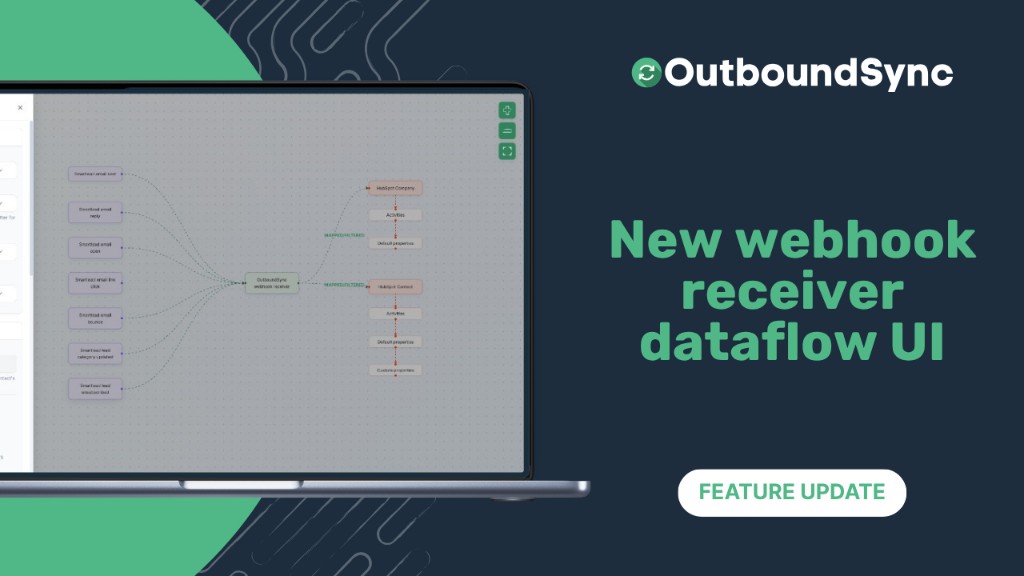
New webhook receiver dataflow UI
Visual webhook setup in OutboundSync: see sales events flow to HubSpot or Salesforce, configure in one tray, and preview sample payloads.
Harris Kenny
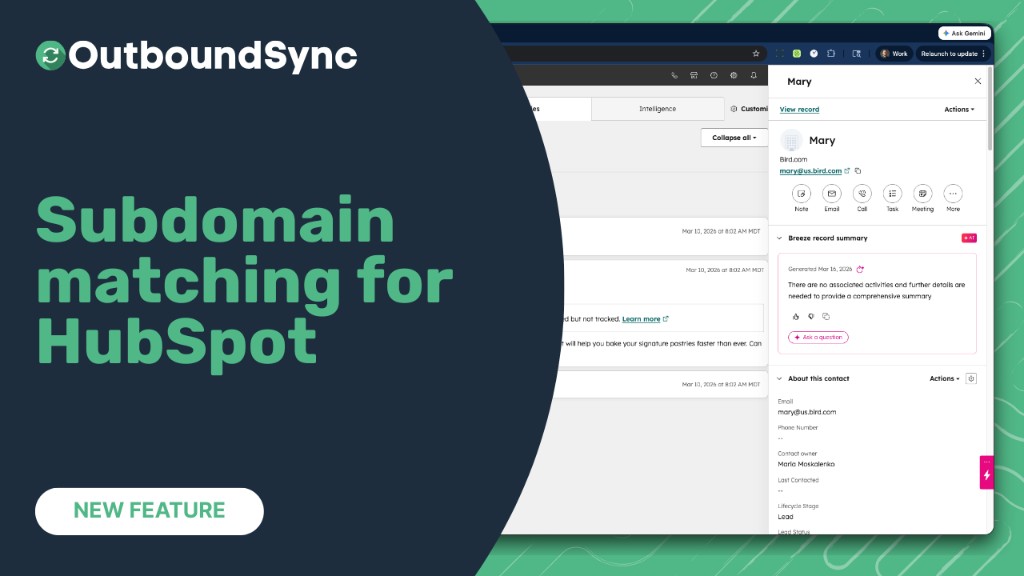
Company matching now handles subdomains
OutboundSync now matches contacts with subdomain email domains (e.g. us.example.com) to the correct HubSpot company by considering the root domain (e.g. example.com).
Harris Kenny