Last updated:
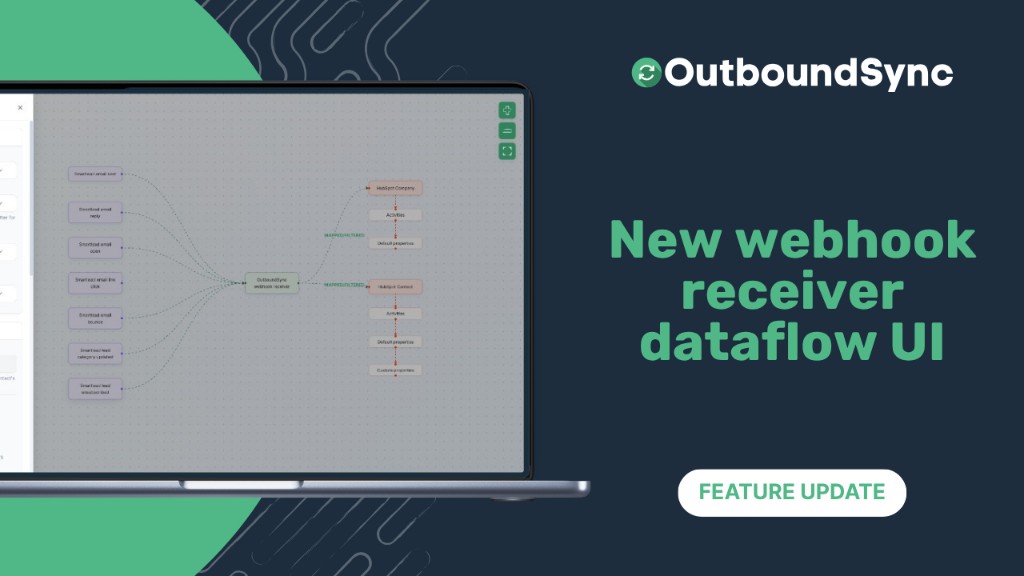
New webhook receiver dataflow UI
OutboundSync now lets you create and edit webhooks in a visual flow that shows exactly how events from your sales tool become HubSpot or Salesforce records. This is live right now in your account.
OutboundSync now supports:
-
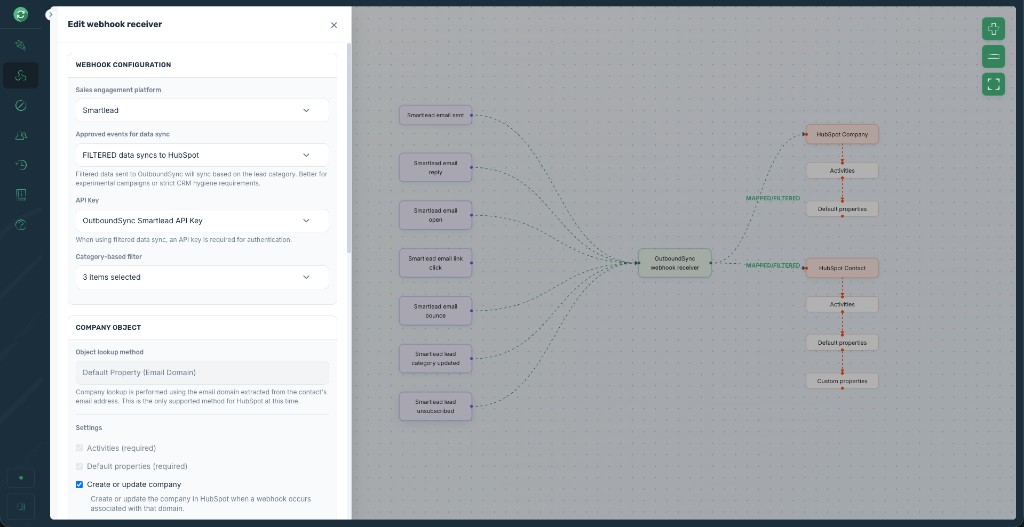
Visualizing the data path from sales engagement platform events through the OutboundSync receiver to CRM objects and actions
-
Configuring everything in one unified sliding settings tray for profiles, events, properties, tasks, and more
-
Previewing sample payloads for your specific platform and event type
This means you can clearly see how data moves from your sales tool to your CRM, set up everything in one focused interface instead of scattered forms or modals, and verify payloads directly without external docs.
Available now
For OutboundSync users, this is live in your account right now. Head to the new Webhook receiver section in your navigation to create or edit a webhook receiver.
You can review your webhook receivers in the app anytime.
If you’d like to see the entire platform in action, book a demo today.

Founder & President, OutboundSync
15+ years in B2B sales and operations. Former HubSpot Solutions Partner and Smartlead expert. Built the agency that became OutboundSync.
Similar posts
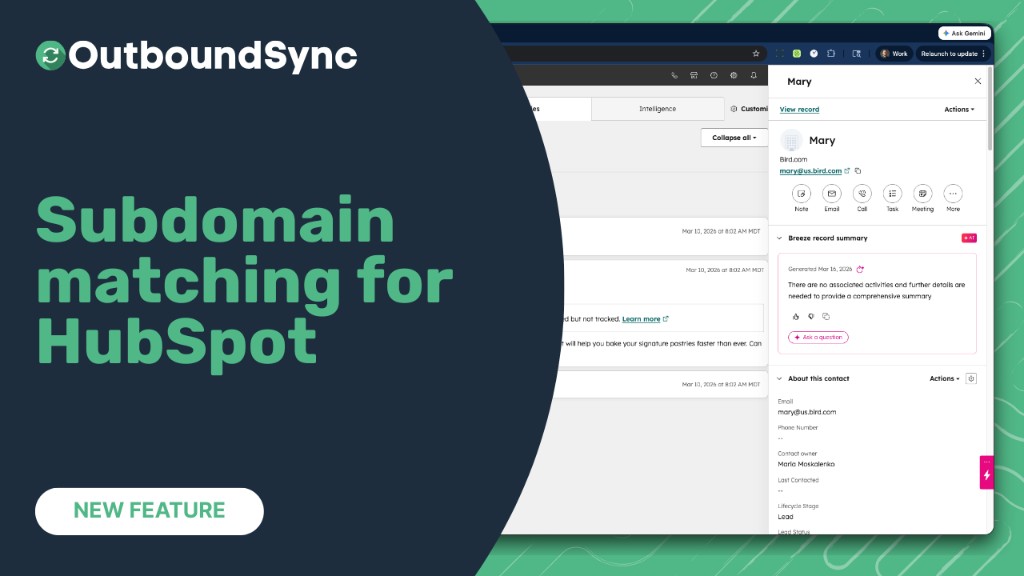
Company matching now handles subdomains
OutboundSync now matches contacts with subdomain email domains (e.g. us.example.com) to the correct HubSpot company by considering the root domain (e.g. example.com).
Harris Kenny
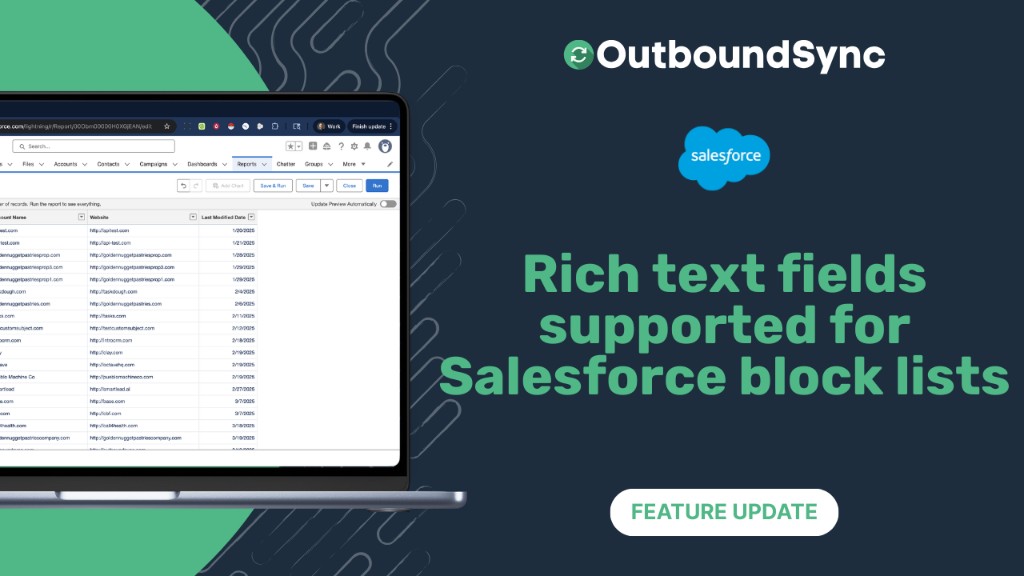
Rich text field support for Salesforce block lists
OutboundSync now scans Salesforce rich text fields for block lists, extracting emails, domains, and LinkedIn profiles and pushing them to Smartlead, Instantly, EmailBison, and HeyReach.
Harris Kenny
New channel: Shared inbox tools
OutboundSync now integrates with HotHawk and MasterInbox to sync inbox data to HubSpot and Salesforce. Beta access is live in your account.
Harris Kenny