Last updated:
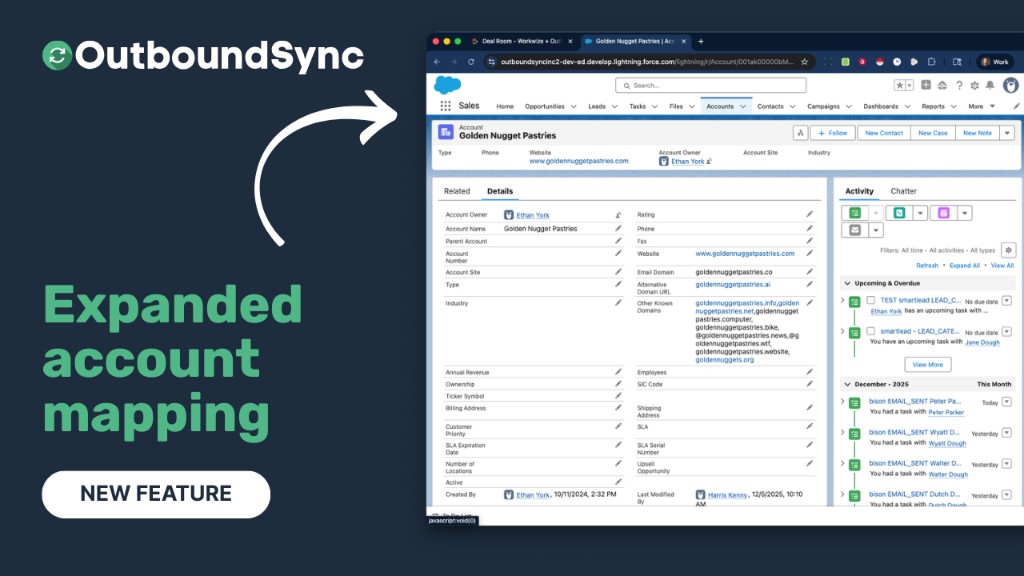
Expanded account mapping options
OutboundSync now allows you to select custom fields for searching Accounts by domain in Salesforce for Smartlead, Instantly, and EmailBison.
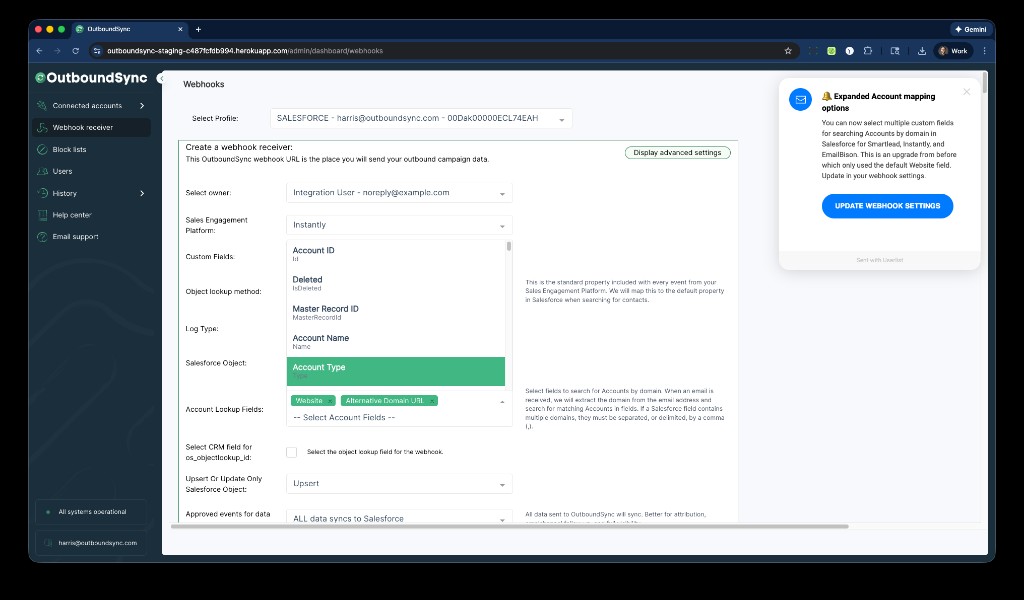
OutboundSync now supports:
- Selecting custom fields for Account lookup rather than just the default Website field
- Searching multiple selected fields for matching domains
- Supporting multiple domains in fields separated by commas
This means you have more flexibility in matching emails to Accounts using your custom Salesforce setup, without being limited to the default Website field.
Available right now
Check your webhook receiver settings to update your Account lookup fields.
Or just reply to this email with any questions.

Founder & President, OutboundSync
15+ years in B2B sales and operations. Former HubSpot Solutions Partner and Smartlead expert. Built the agency that became OutboundSync.
Similar posts
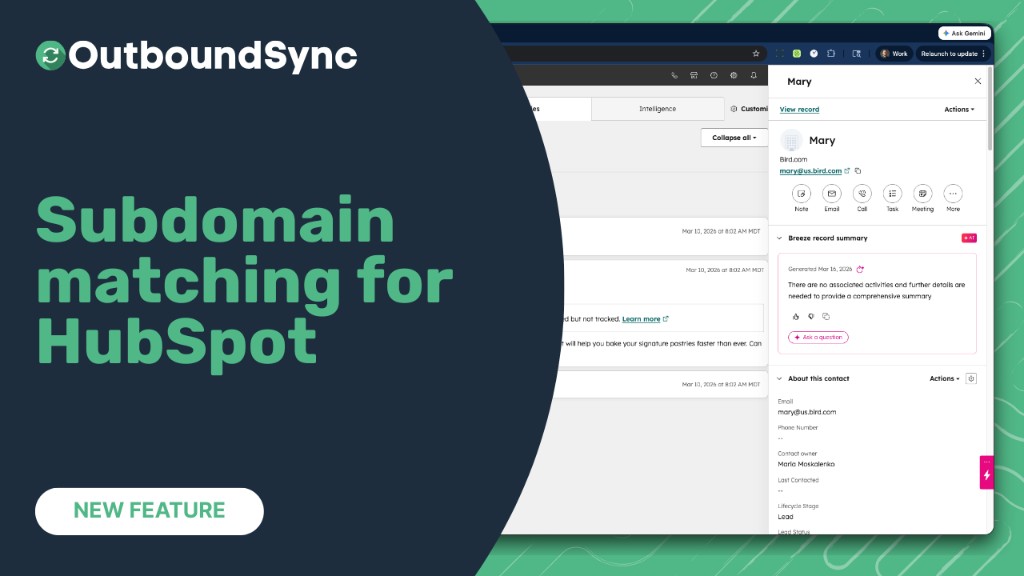
Company matching now handles subdomains
OutboundSync now matches contacts with subdomain email domains (e.g. us.example.com) to the correct HubSpot company by considering the root domain (e.g. example.com).
Harris Kenny
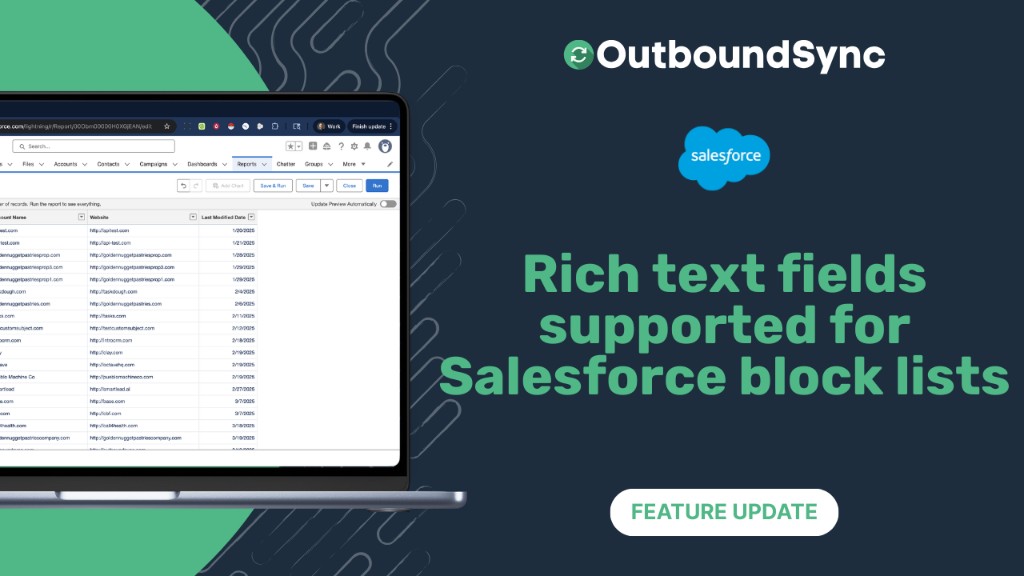
Rich text field support for Salesforce block lists
OutboundSync now scans Salesforce rich text fields for block lists, extracting emails, domains, and LinkedIn profiles and pushing them to Smartlead, Instantly, EmailBison, and HeyReach.
Harris Kenny

New channel: Shared inbox tools
OutboundSync now integrates with HotHawk and MasterInbox to sync inbox data to HubSpot and Salesforce. Beta access is live in your account.
Harris Kenny